Upsells, downsells, order bumps and bundles
Four ways to raise your average order value.
1 min read · updated 1 October 2026
Most of the extra revenue in a funnel comes after the first "yes". Here's how each tool works.
Order bump
A small extra in the checkout that shoppers add with one tick. Set it in the editor under Step → Order bump on the checkout: pick a product, a price and the text next to the tick. Small, related products work best.
Bundles
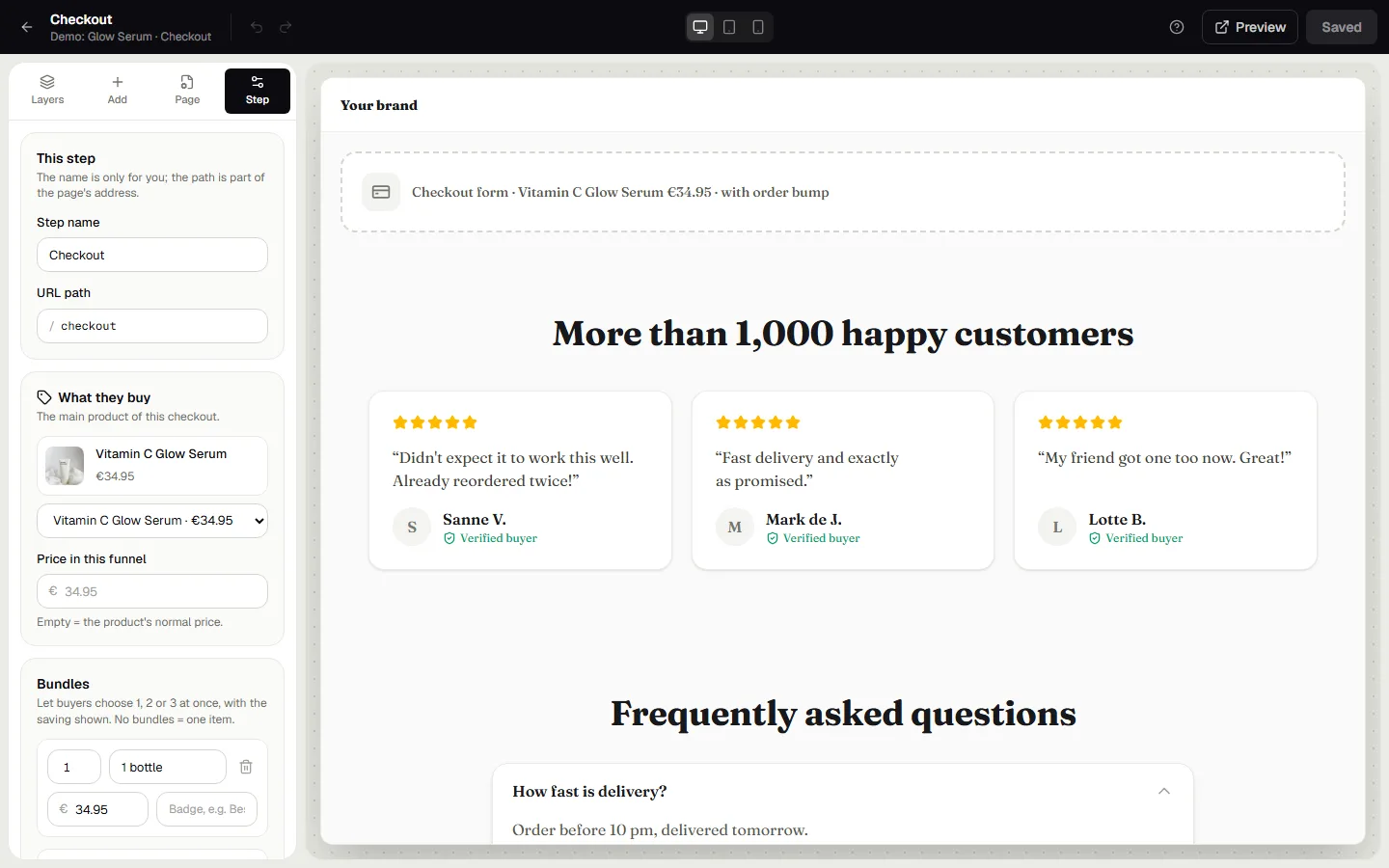
Let shoppers pick 1, 2 or 3 pieces at a better price per piece. Set them under Step → Bundles on the checkout. The middle option is preselected, which is usually the one most people choose.
Upsell
An offer shown right after payment. Shoppers accept with one click, without entering their details again, because the card they just used is charged. Pick the product and offer price under Step in the editor.
Downsell
Shown when someone declines the upsell: a smaller or cheaper version of the same idea.
Pricing blocks
A Pricing block shows packages side by side on your sales page. Each package can link to one of your products (the checkout then sells that product at its own price) or preselect a bundle on the checkout.
Was this guide helpful?
Try it in your own store
Free for 14 days. Every feature, no credit card.