How FunnelOne works
The big picture: funnels, steps, products and where your money goes.
1 min read · updated 1 October 2026
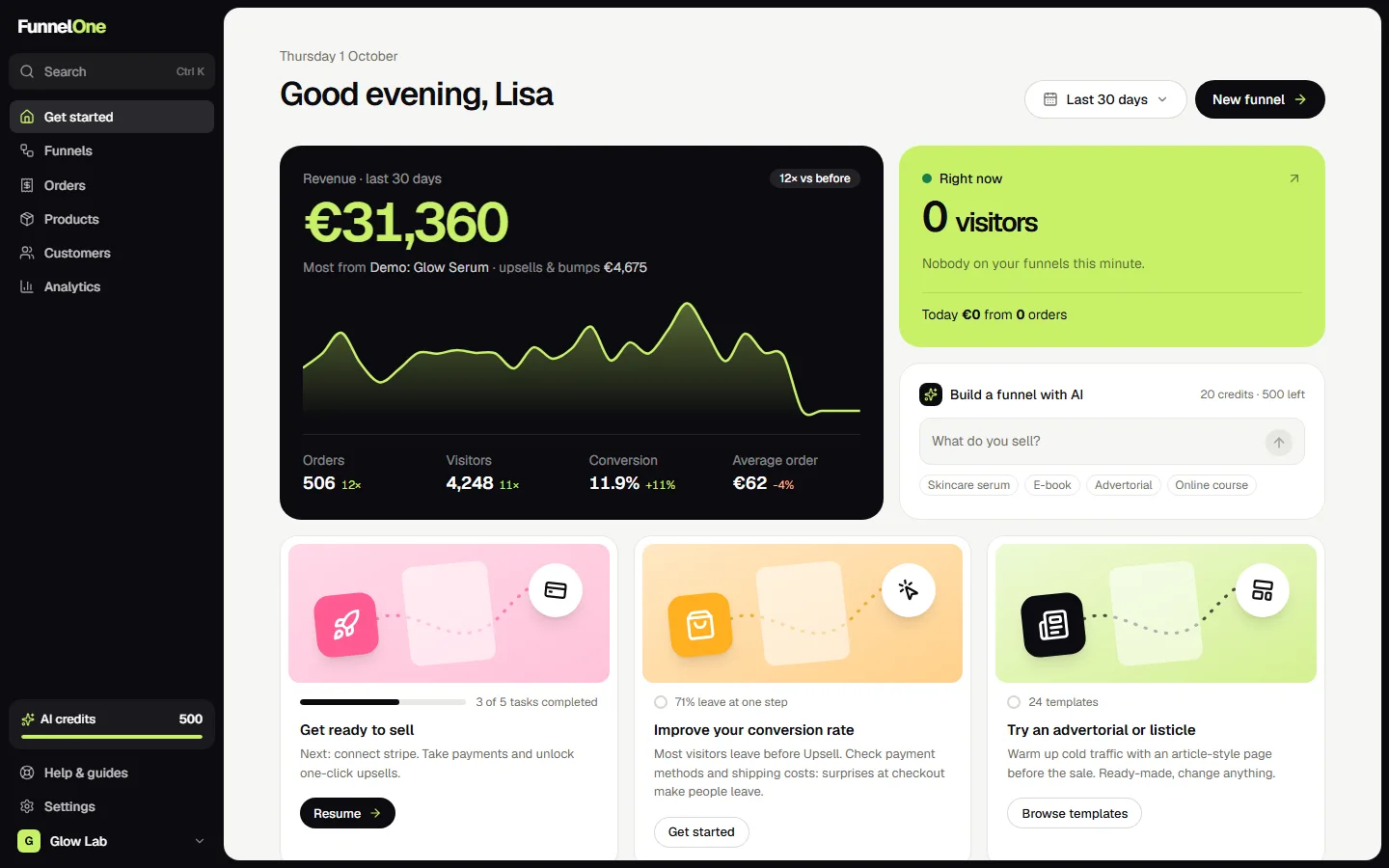
FunnelOne builds sales funnels for your store: a short series of pages that takes a visitor from your ad to a paid order, and then offers them one or two extras.
The building blocks
- Products are what you sell. Create them yourself or import them from Shopify.
- Funnels are the flows people go through, for example sales page → checkout → upsell → thank you.
- Steps are the pages inside a funnel. Every step has a type: sales page, opt-in, free page, checkout, upsell, downsell or thank you.
- Blocks are the parts a page is made of: headings, images, reviews, pricing tables and about 40 more.
Where the money goes
Shoppers pay into your own Stripe account. FunnelOne never holds your money and doesn't take a cut of your sales. You pay FunnelOne a monthly plan, and that's it.
If you sell through Shopify, orders are sent to your Shopify store automatically, so fulfilment works the way you're used to.
A typical first day
- Connect Stripe under Settings → Payments.
- Add or import a product under Products.
- Create a funnel from a template under Funnels → New funnel.
- Change the texts and images in the editor.
- Press Publish and put the link in your ad.
Tip: you don't need a custom domain to start. Every funnel works right away on its FunnelOne address, and you can add your own domain later.
Was this guide helpful?
Try it in your own store
Free for 14 days. Every feature, no credit card.