Orders and customers
Find orders, see what people bought and follow up on unpaid checkouts.
1 min read · updated 1 October 2026
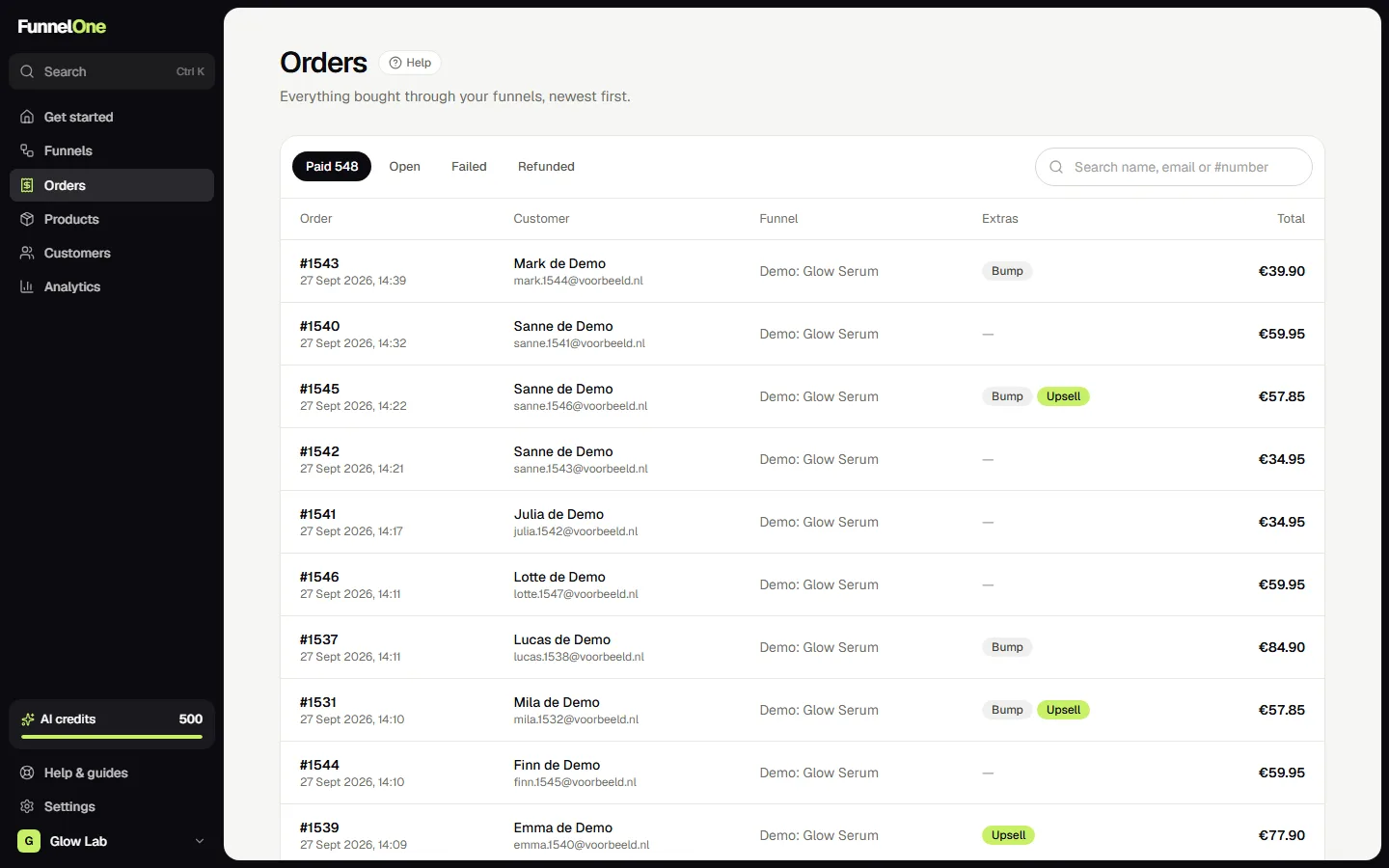
Orders
Orders lists every order with its items, including order bumps and upsells, the payment method and the status. The badge in the menu counts checkouts started in the last seven days that weren't paid. Open an order to see the timeline and the customer's details.
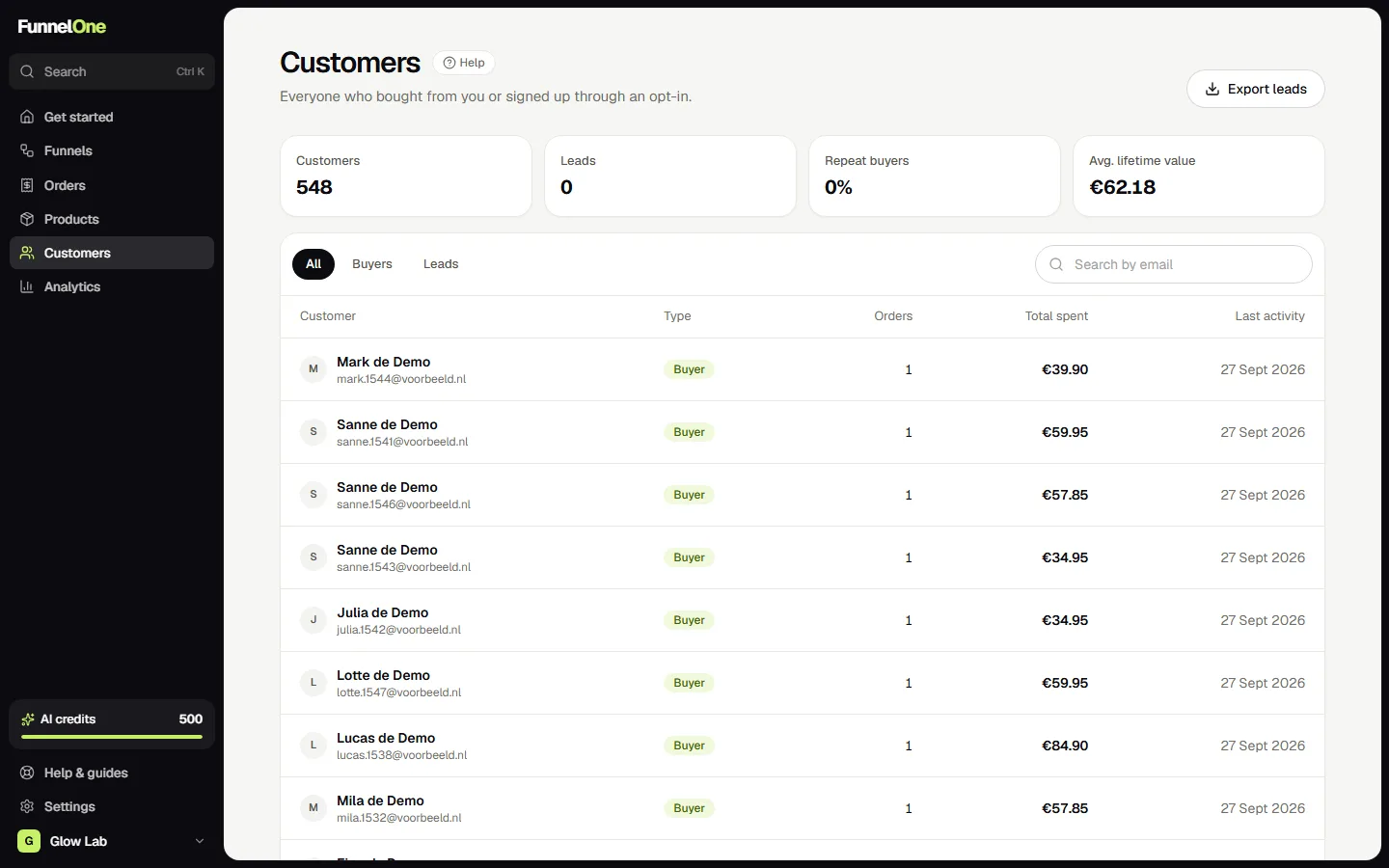
Customers
Customers combines buyers and leads from opt-in forms. Filter by type to see only leads.
Search anything
Press Ctrl+K (or ⌘K on a Mac) anywhere in the dashboard to search orders by number, customers by name or email, products and funnels.
Was this guide helpful?
Try it in your own store
Free for 14 days. Every feature, no credit card.