Products
Create, import and price what you sell.
1 min read · updated 1 October 2026
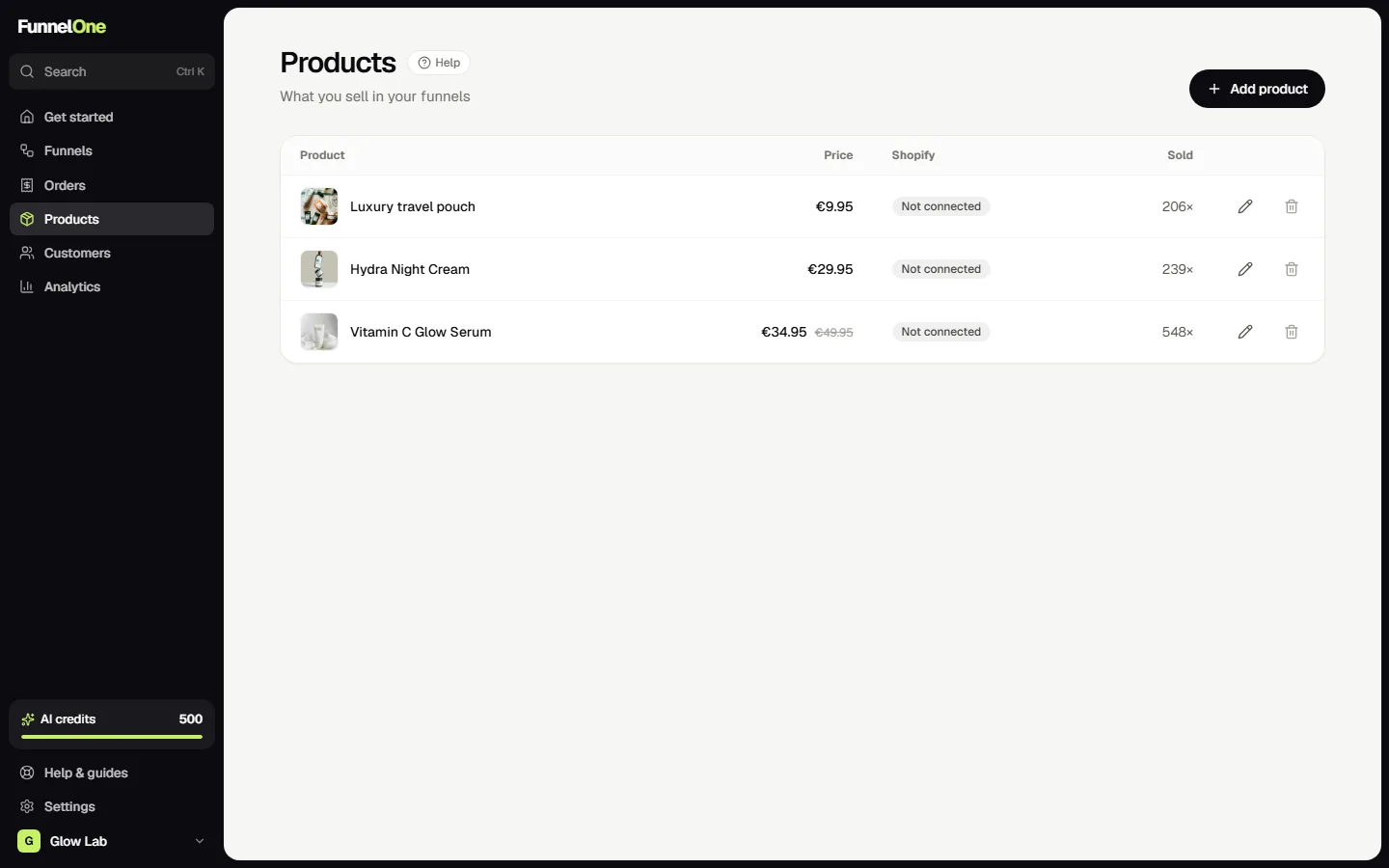
Every checkout, upsell, downsell and order bump sells a product. Manage them under Products.
Create or import
Press Add product and fill in a name, a price, an optional compare-at price (shown crossed out) and a photo. Connected Shopify? Import products instead, so orders are sent to the right Shopify variant.
One product, many prices
A product has one normal price, but each funnel can use its own offer price: set it in the editor under Step. That way the same product can cost less as an upsell than on the sales page, without creating a copy.
Used in funnels
A product's page shows its sales and every funnel step that uses it, so you know what changes when you edit it.
Was this guide helpful?
Try it in your own store
Free for 14 days. Every feature, no credit card.