Connect Shopify
Import products and send every order to your Shopify store.
1 min read · updated 1 October 2026
Connecting Shopify does two things: you can import products with their images and prices, and every paid order is sent to Shopify so you fulfil it like any other order.
Connect
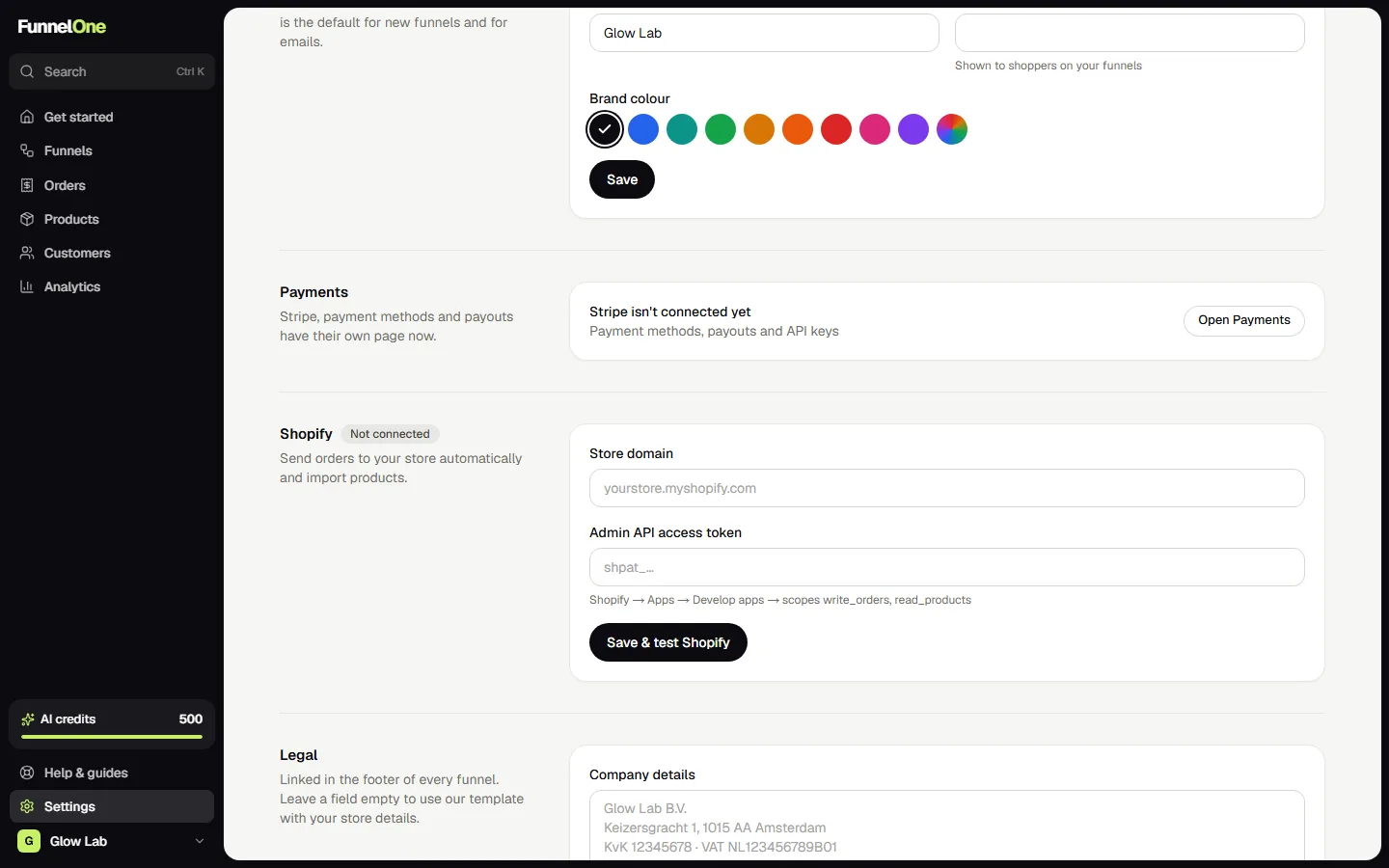
Open Settings → Shopify, type your store name (the part before .myshopify.com) and press Connect Shopify. Shopify asks you to approve FunnelOne: it only gets access to read products and create orders. After you approve, you're sent straight back and the status shows Connected.
Disconnecting works the same way: press Disconnect in Settings, or uninstall FunnelOne under Settings → Apps in Shopify.
Import products
Go to Products and choose import. Pick the variants you want; they become FunnelOne products linked to the Shopify variant.
Orders
Paid orders, including upsells and order bumps, are created in Shopify automatically. If sending fails (for example because a variant was deleted), the order shows a warning and you can send it again from the order page. Home also lists these under Things to do.
Using Shopify's own checkout
Per funnel you can choose Shopify checkout instead of the Stripe checkout (Funnel → Settings → Checkout with). Shoppers then pay with Shopify Payments or Shop Pay. Keep in mind that one-click upsells aren't possible that way.
Was this guide helpful?
Try it in your own store
Free for 14 days. Every feature, no credit card.